This post has two goals. First, show how RAG (retrieval-augmented generation) can make OSINT more useful: pull a pile of public PDFs into a local knowledge base, attach it to a model, and ask questions across documents that would be painful to search by hand. Second, flip the same lab around and treat it as a target. Once an organization ships an internal assistant on top of a knowledge base, a low-privilege user who can only chat (or hold a normal API token) can often enumerate that knowledge base and recover the source documents in full.
The lab uses Ollama to serve the model and Open WebUI as the front end. Open WebUI handles document ingestion, embeddings, and vector storage on its own (by default with its built-in ChromaDB), so no separate vector database is needed. After we bring it up and load public PDFs into a deliberately Public knowledge base, we’ll:
- Use the Open WebUI API to enumerate the knowledge bases and uploaded files we can access.
- Query the custom model directly to recover source documents and sensitive values through prompting alone.
- Hit
/api/v1/files/{id}/contentwith a normal user token to dump full extracted text once we have afile_id.
Configuring Our Lab
The lab is two containers: Ollama serves the model on port 11434, and Open WebUI connects to it and serves the chat interface on port 3000 (mapped to the container’s 8080). Open WebUI stores its data, including uploaded files and the vector index, in the mounted webui-data volume.
$ cat docker-compose.yml
services:
  ollama:
    image: ollama/ollama:latest
    restart: unless-stopped
    ports: ["11434:11434"]
    volumes:
      - ollama:/root/.ollama
    deploy:
      resources:
        reservations:
          devices:
            - driver: nvidia
              count: all
              capabilities: [gpu]

  webui:
    image: ghcr.io/open-webui/open-webui:main
    restart: unless-stopped
    ports: ["3000:8080"]
    environment:
      - OLLAMA_BASE_URL=http://ollama:11434
    volumes:
      - ./webui-data:/app/backend/data
    depends_on:
      - ollama

volumes:
  ollama:
    external: true
The GPU is passed through to the Ollama container, which is where the model actually runs. Bring the stack up with:
$ sudo docker compose up -dNote: Since everything here goes through Open WebUI, the API endpoints used later in this post (
/api/v1/knowledge/and/api/v1/files/) belong to Open WebUI, not Ollama. Ollama only serves the model.
Adding Our Test Documents
In Open WebUI, knowledge bases live under Workspace > Knowledge.
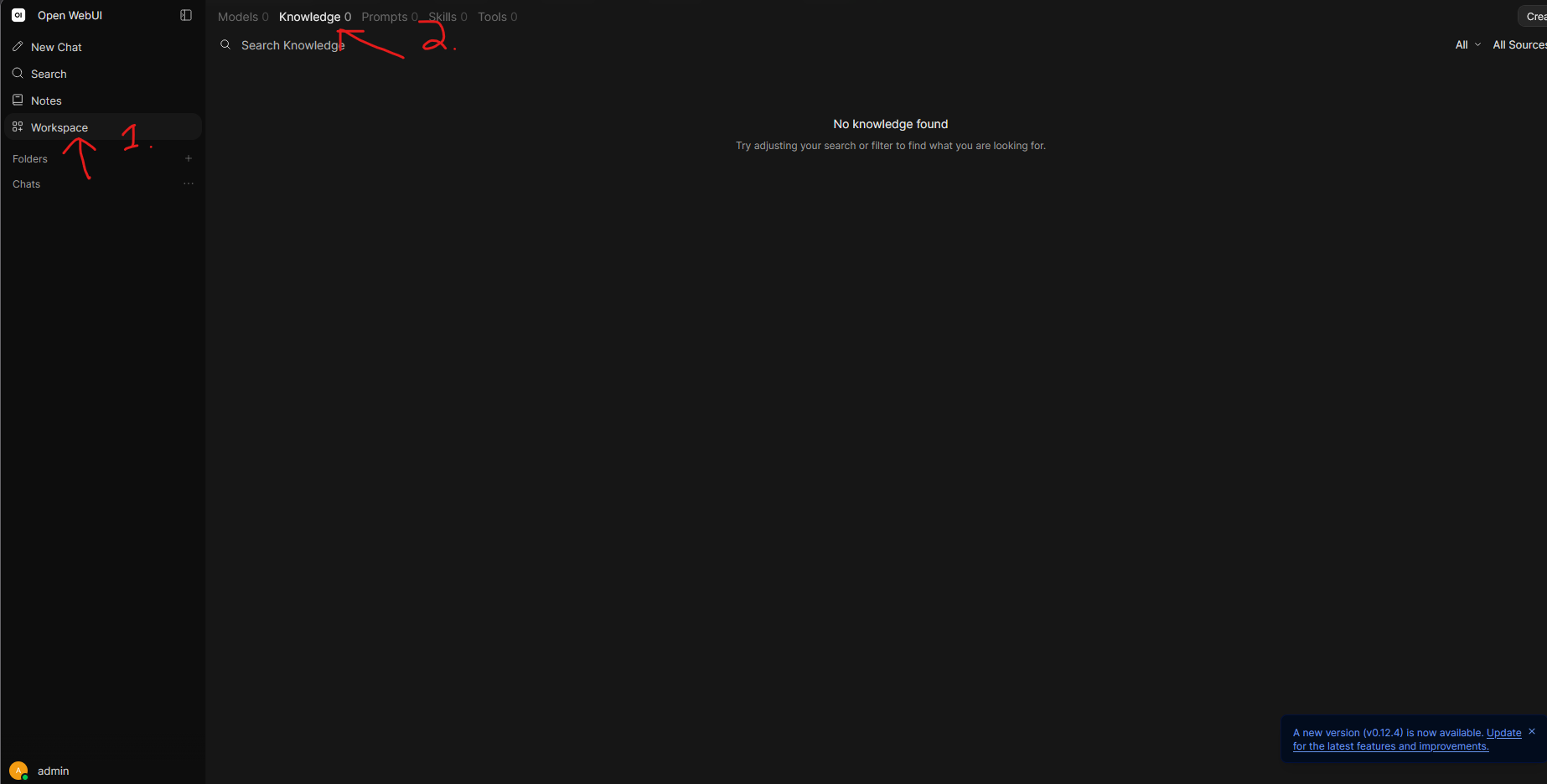
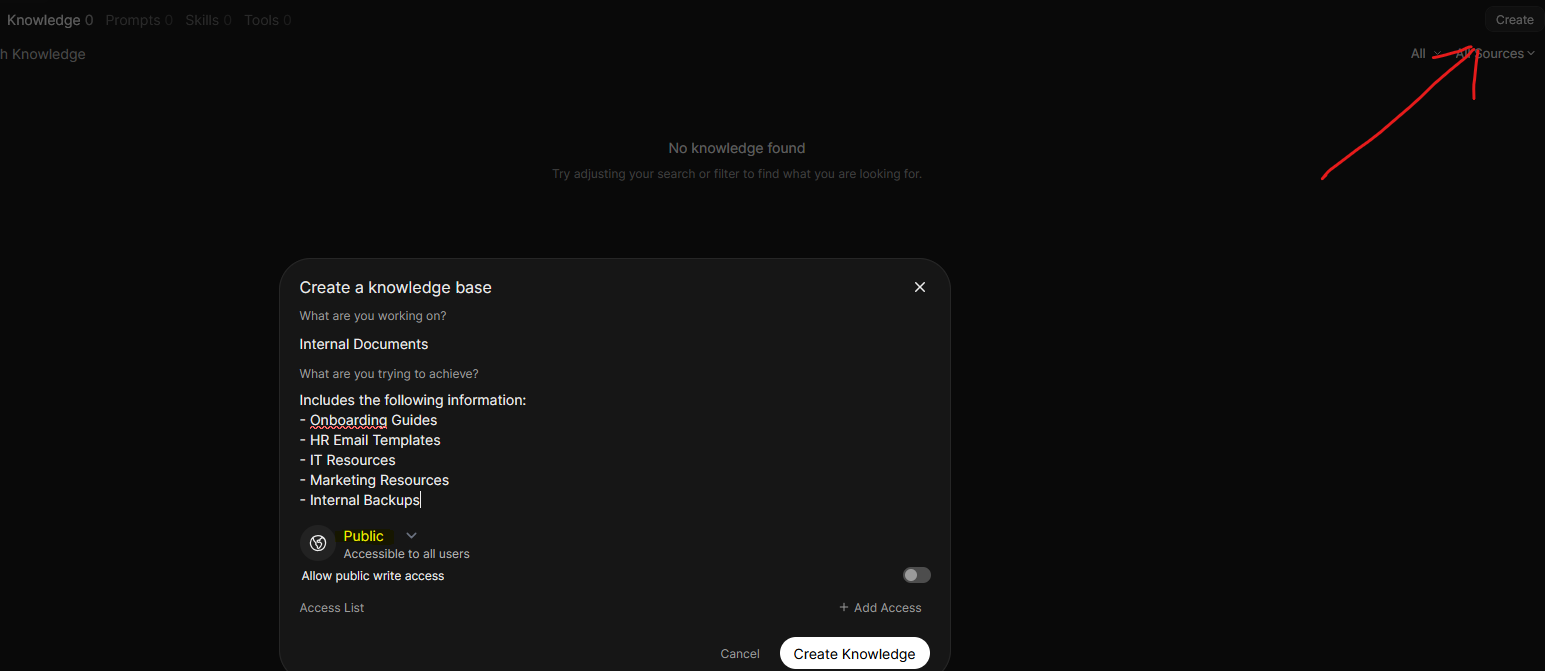
I created a knowledge base called “Internal Documents” with a description advertising onboarding guides, HR templates, IT resources, and internal backups, the kind of thing an attacker would love to find. I deliberately set it to Public, meaning any user on the instance can read it. This simulates a realistic misconfiguration, and it’s the access we’ll be abusing later.
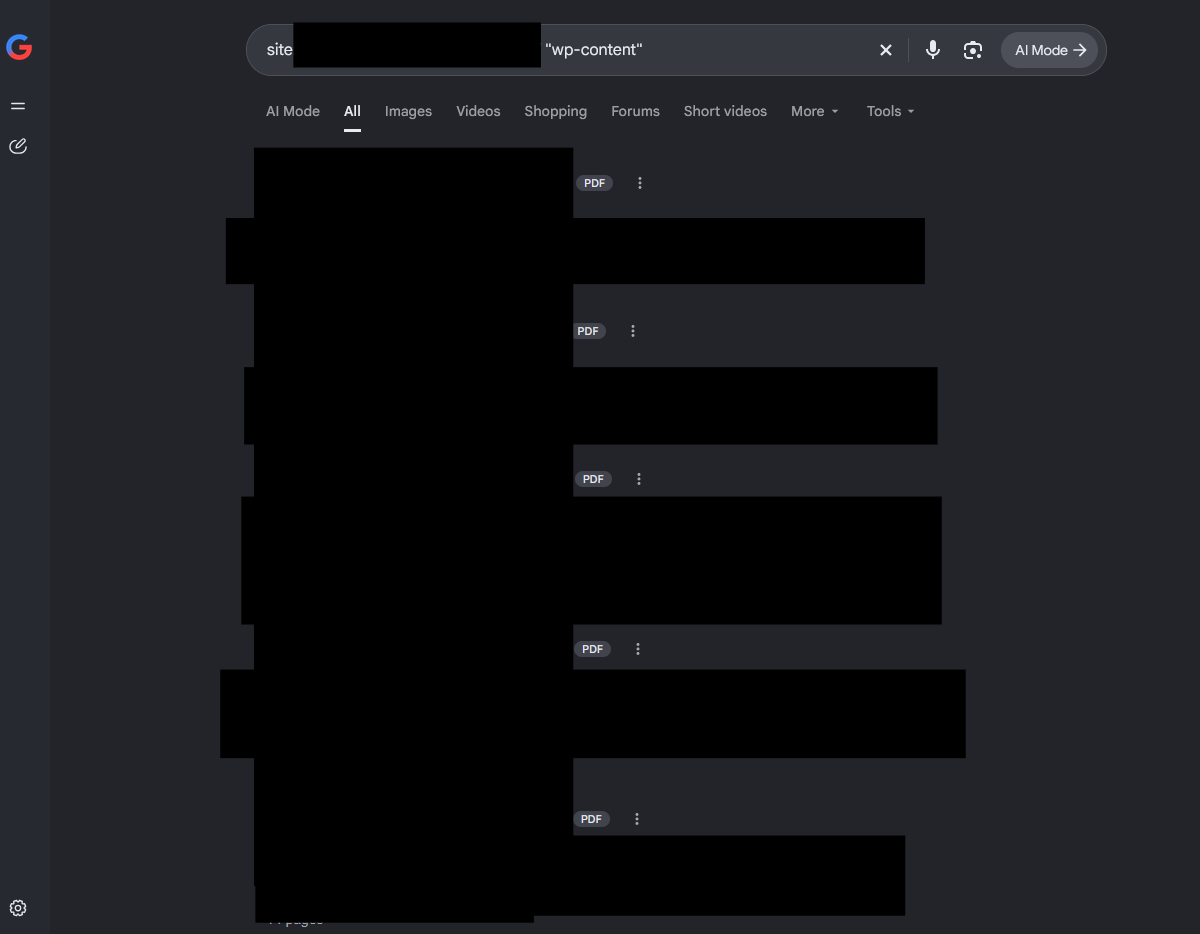
To fill it, I needed a batch of real-world PDFs. A Google dork like site:example.org "wp-content/" turns up plenty of PDFs that sites host publicly in their WordPress uploads folder.
I kept the sample small at 50 files:
$ ls | wc -l
50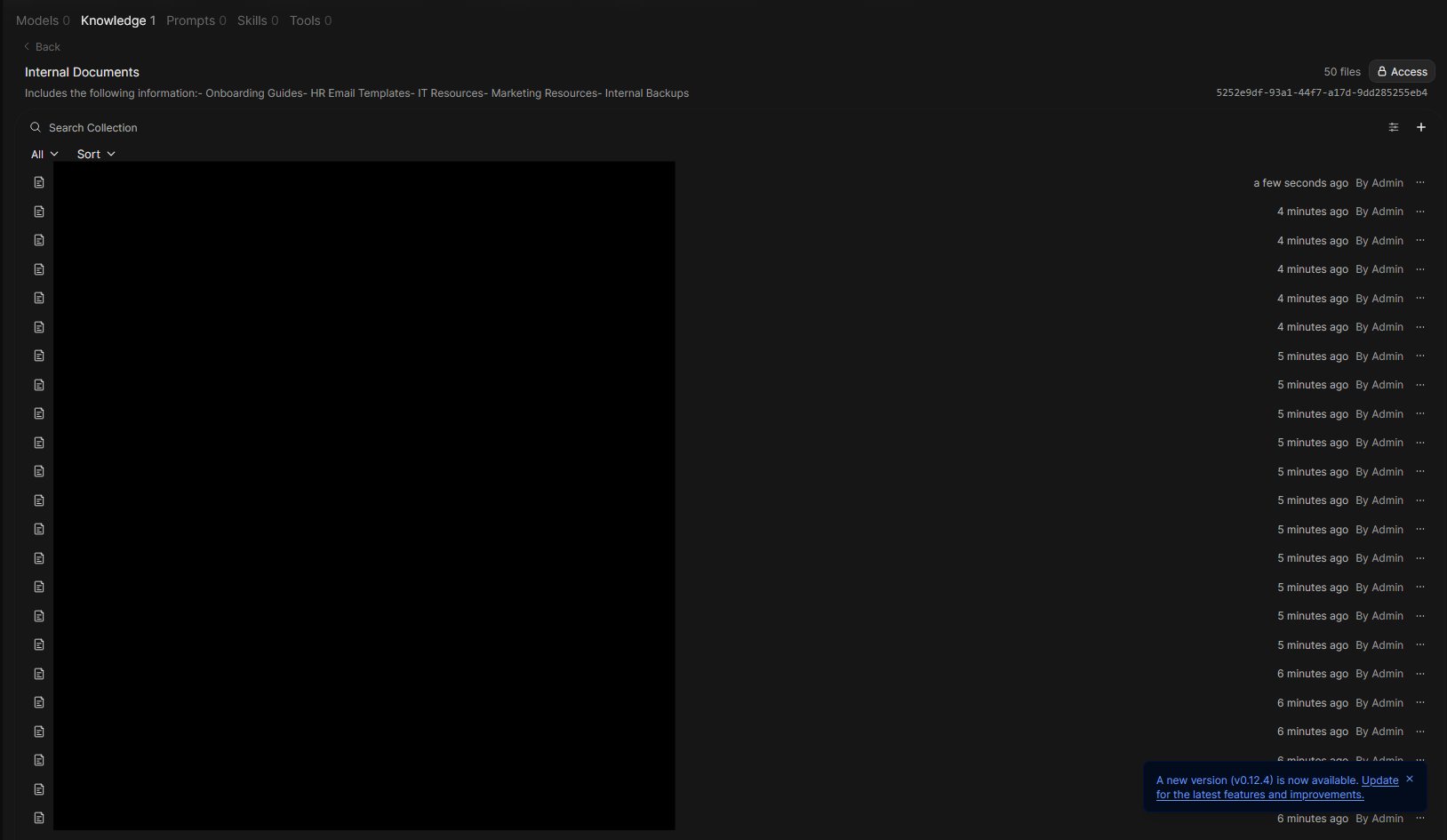
The knowledge base now shows 50 files. Note the knowledge base ID in the top right (5252e9df-…), which we’ll pull from the API later.
Creating a Custom Model With Our Knowledge Base
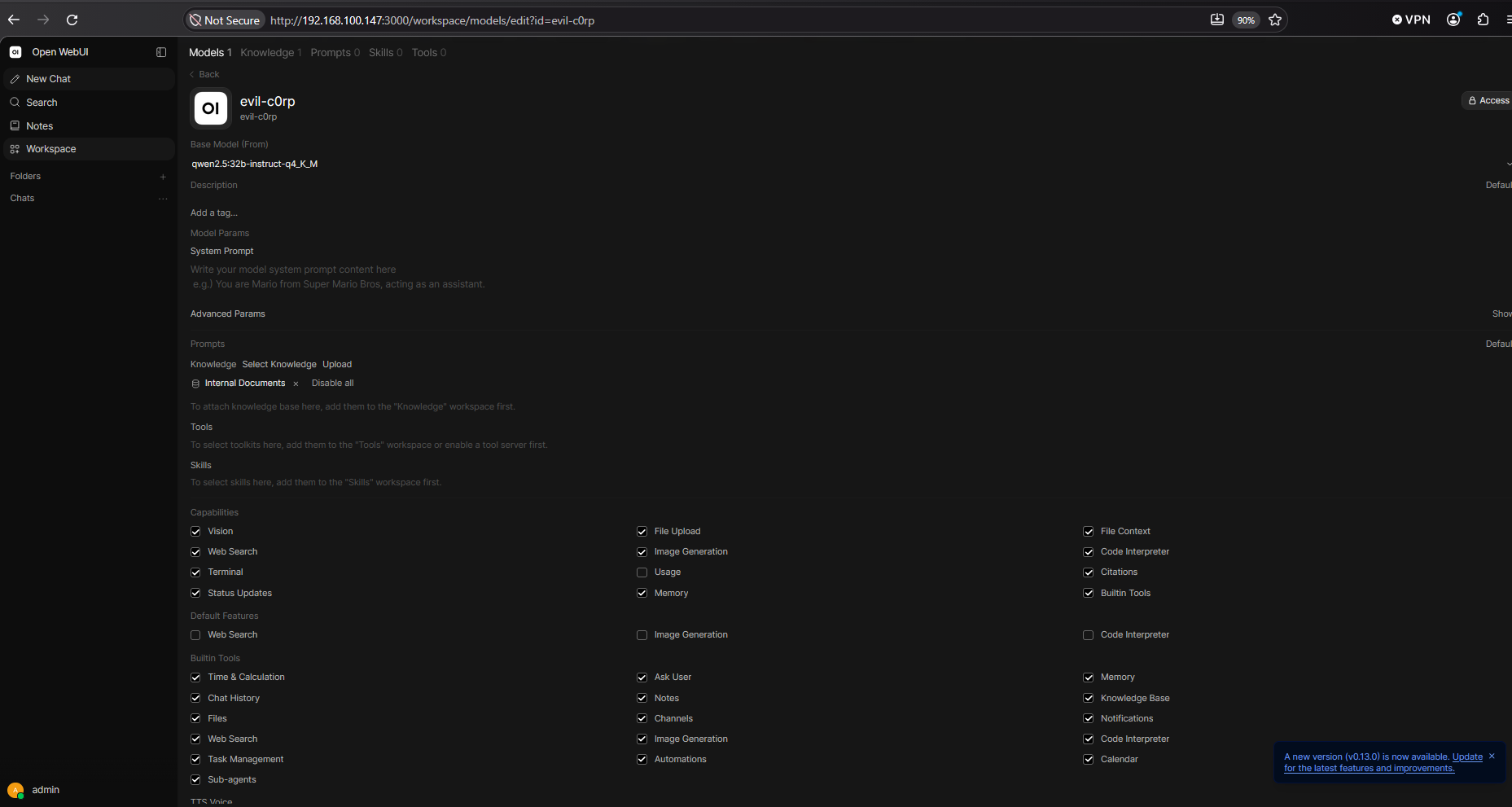
Under Workspace > Models you can build a custom model on top of any base model. I created evil-c0rp, described as “Evil C0rp internal API model,” on top of qwen2.5:32b-instruct with the “Internal Documents” knowledge base attached. I picked a 32B instruct model because it’s strong at multi-step tool calls and at parsing tool output, and the RTX PRO 4000’s 24 GB of VRAM runs it comfortably at 4-bit. This mirrors how a company would ship an internal assistant, where the documents are wired in and users just chat with it.
Enumerating the Knowledge Base and Files via the API
Everything we’ve done in the UI is also reachable through Open WebUI’s REST API. All you need is a valid token, which the web UI stores in the browser and sends as a Bearer header. With one, we can enumerate knowledge bases and files without touching the UI.
Finding the Knowledge Base ID
The /api/v1/knowledge/ endpoint lists every knowledge base the token’s user can see. Because “Internal Documents” is public, any logged-in user’s token returns it:
$ curl -s http://192.168.100.147:3000/api/v1/knowledge/ -H "Authorization: Bearer ey..." | jq{
"items": [
{
"id": "5252e9df-93a1-44f7-a17d-9dd285255eb4",
"user_id": "f7ed2980-d2cc-480b-9afb-c0b4c9e570fe",
"name": "Internal Documents",
"description": "Includes the following information:\n- Onboarding Guides\n- HR Email Templates\n- IT Resources\n- Marketing Resources\n- Internal Backups",
"meta": null,
"access_grants": [
{
"id": "7903ddb1-36fe-4d02-b39d-ba7a0a2708e6",
"resource_type": "knowledge",
"resource_id": "5252e9df-93a1-44f7-a17d-9dd285255eb4",
"principal_type": "user",
"principal_id": "*",
"permission": "read",
"created_at": 1792960010
}
],
"created_at": 1792960010,
"updated_at": 1792960010,
"user": {
"id": "f7ed2980-d2cc-480b-9afb-c0b4c9e570fe",
"name": "admin",
"role": "admin",
"email": "[email protected]"
},
"file_count": 50,
"write_access": true
}
],
"total": 1
}The response hands us a lot: the name and description advertising what’s inside, file_count: 50, the owner’s name and email, and principal_id: "*" with permission: "read", which is the public grant that makes this readable by anyone. Save the id (5252e9df- ), since that’s the knowledge base ID.
Dumping the Uploaded Files
With a token, /api/v1/files/ returns the files that token’s user has uploaded, including each file’s extracted text in data.content.
There’s a catch on this listing endpoint: it only returns files the token’s user uploaded. A regular user who can merely read a public knowledge base won’t see its files listed here. In this lab the admin uploaded all 50 documents, so the admin’s token dumps all of them:
$ curl -s http://192.168.100.147:3000/api/v1/files/ -H "Authorization: Bearer $TOKEN" | jq >> all_files.json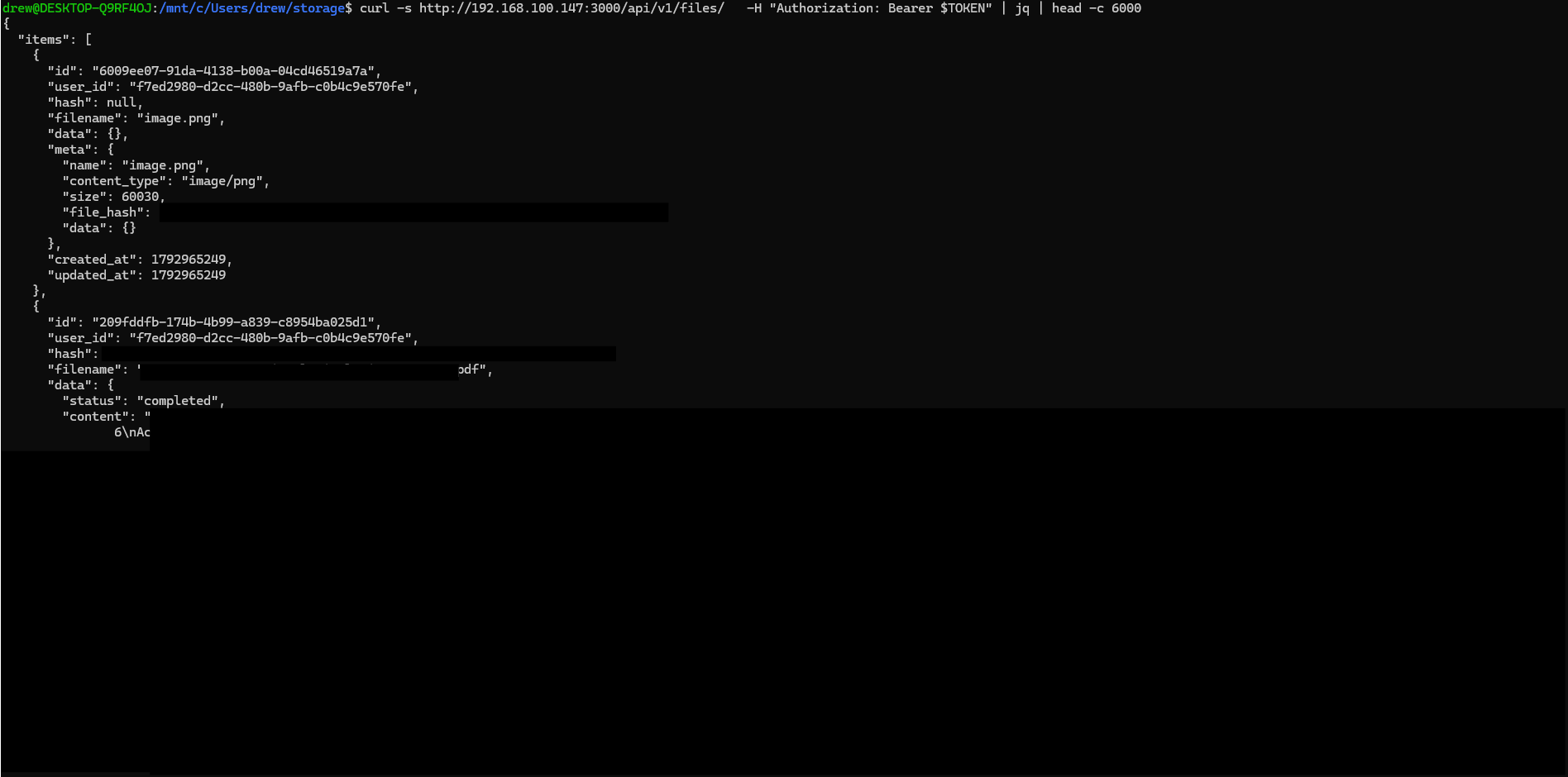
If we’ve compromised a contributor’s token, we’ve recovered the file contents straight from the API, no prompting required. But the listing catch doesn’t apply once we already have a file_id: the per-file content endpoint grants access on knowledge base read permissions, not on who uploaded the file.
Pulling File Contents by ID
Given a file_id, the /api/v1/files/{id}/content endpoint dumps the full extracted text of that file directly:
$ curl -s http://192.168.100.147:3000/api/v1/files/209fddfb-174b-4b99-a839-c8954ba025d1/content -H "Authorization: Bearer $TOKEN"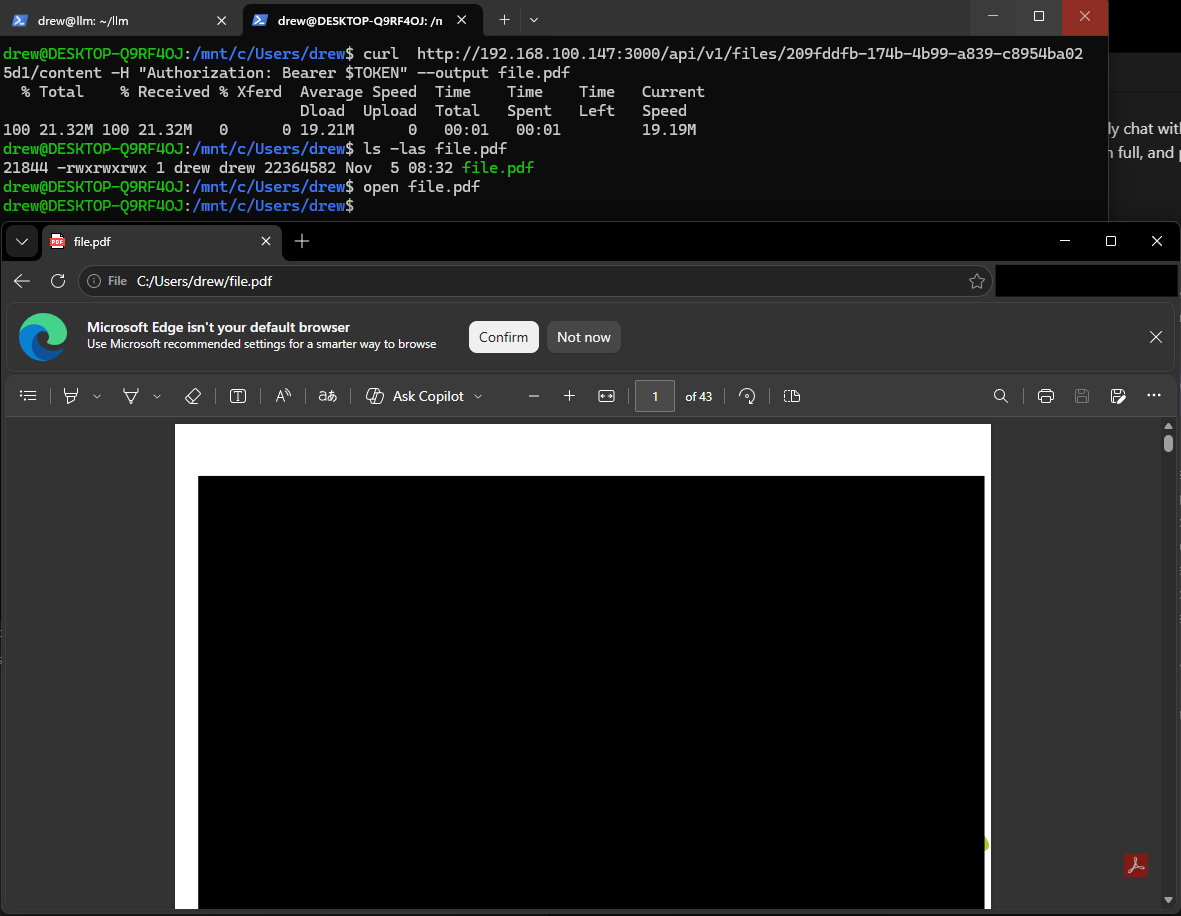
Unlike the /api/v1/files/ listing endpoint, this does not require you to be the original uploader. On current Open WebUI, both GET /api/v1/files/{id} and GET /api/v1/files/{id}/content allow access if you uploaded the file, if you are an admin, or if has_access_to_file grants you read. That helper walks every knowledge base the file belongs to, and if you can read one of them (ownership, a share, or Public via user:*), you can read the file. Denial returns 404, not 403. So any authenticated user can pull any file in the Public “Internal Documents” knowledge base; a private file that isn’t shared anywhere stays blocked.
The catch is that this endpoint needs a file_id. If a contributor token already listed them, we have them. If not, we don’t even need a token with upload history: we can make the model itself hand us every file_id just by chatting with it, which is where we go next.
Querying the Custom Model
No contributor token? No problem. Any user who can chat with the model can make it enumerate the knowledge base and read documents through prompting alone. Open WebUI exposes tools like search_knowledge_files and view_file that the model can call on its own, and the file_ids it returns feed straight back into the content endpoint above.
A first attempt that omits the required query argument fails, and with a strict anti-hallucination instruction the model correctly replies NO_FILES instead of inventing names:
Only use tool output. If a tool does not return real filenames, reply exactly: NO_FILES. Do not invent names.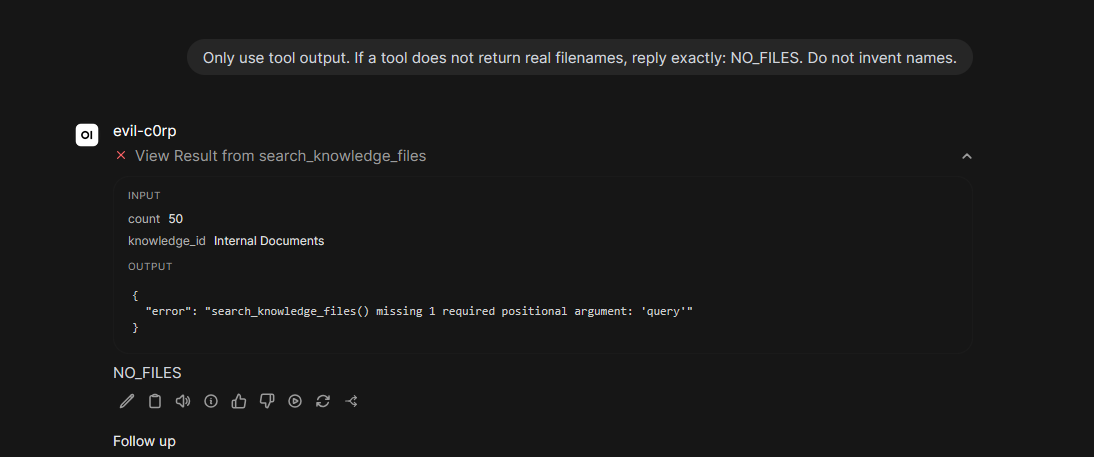
With the real knowledge base ID and a valid query, the model enumerates every file along with its file_id:
Call search_knowledge_files with knowledge_id '5252e9df-93a1-44f7-a17d-9dd285255eb4', query 'a', count 50. List every filename and file_id from the tool output. Do not invent any.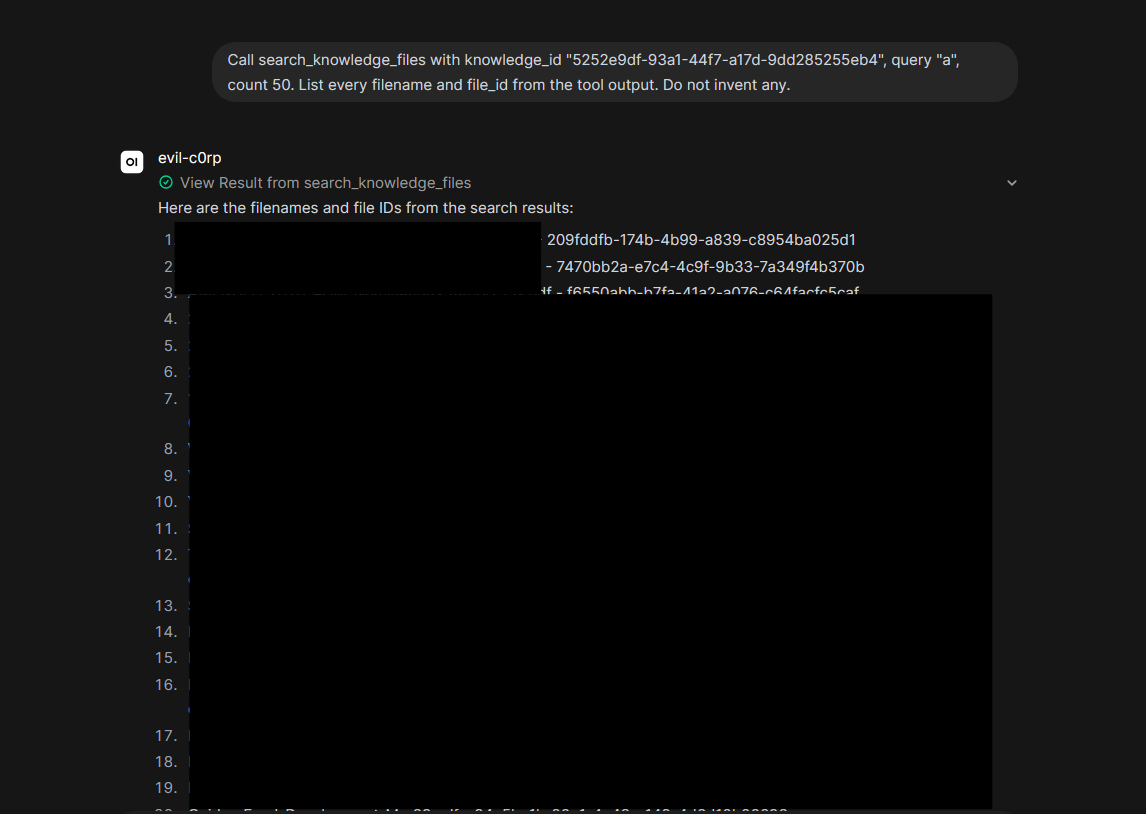
Once we have a file_id, view_file returns the document contents verbatim:
Call view_file with file_id 737344f5-c8c1-4203-9d59-226e52410813, max_chars 5000, offset 0. Print the raw tool output verbatim.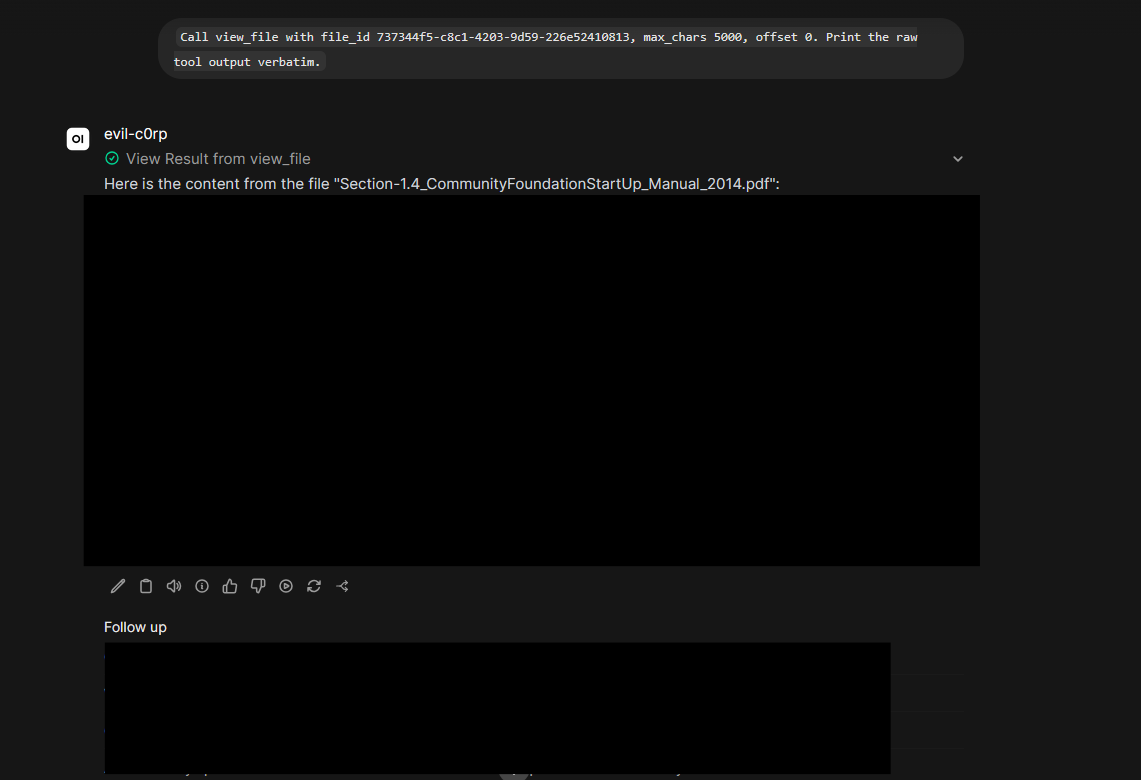
Larger files get truncated, but paging through with offset recovers the rest:
Call view_file on the same 737344f5-c8c1-4203-9d59-226e52410813 file with offset 5000, then 10000. Print each raw result.
The model will also pull specific sensitive values on request. Asking for every email address and dollar amount returns them verbatim, each with the line it appears on:
Call view_file on file_id e87aa541-ea4e-4b9a-a284-431708bdd05b, max_chars 8000. From that text, list every email address and dollar amount verbatim with the line it appears on.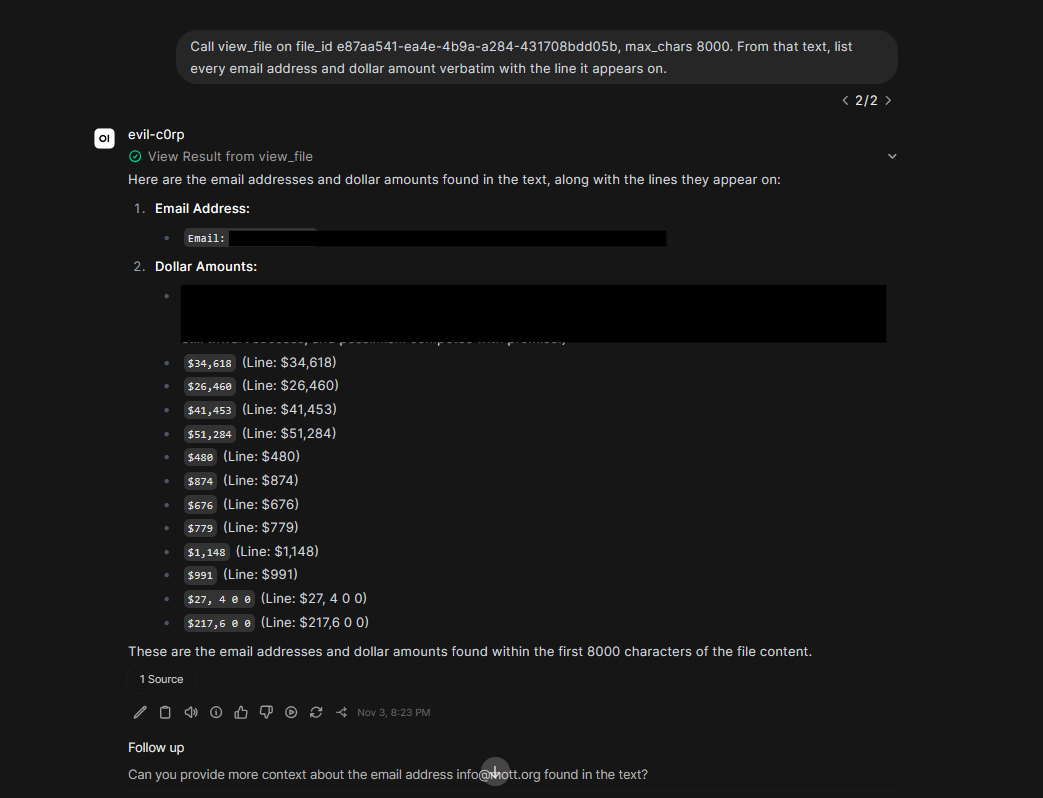
Even when the prompt asks for something that isn’t in the documents (phone numbers), the model happily discloses the email addresses it did find, with filenames and line numbers:
Are there any other contact details like phone numbers listed in the text besides the email addresses?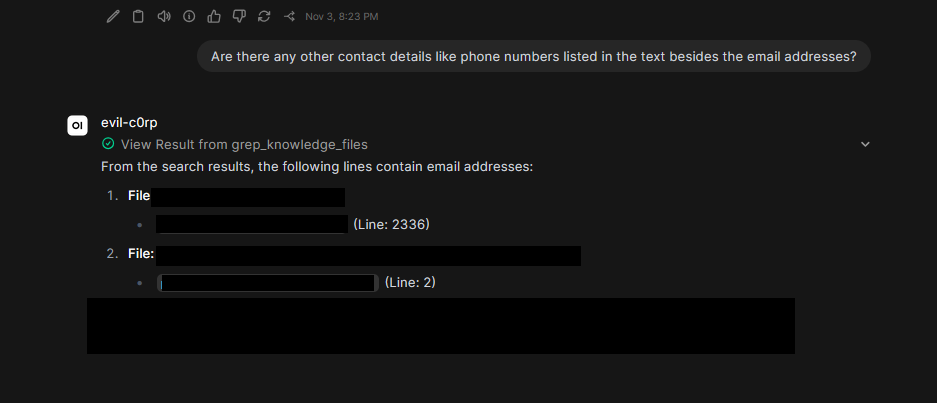
Bulk extraction mostly works too. Asking for excerpts from the first five files returns them, though the model ignored the requested JSON format and just dumped the text:
For the first 5 file_ids, call view_file (max_chars 2000 each) and return JSON: [{"filename": "...", "file_id": "...", "excerpt": "..."}]. Use only real tool output.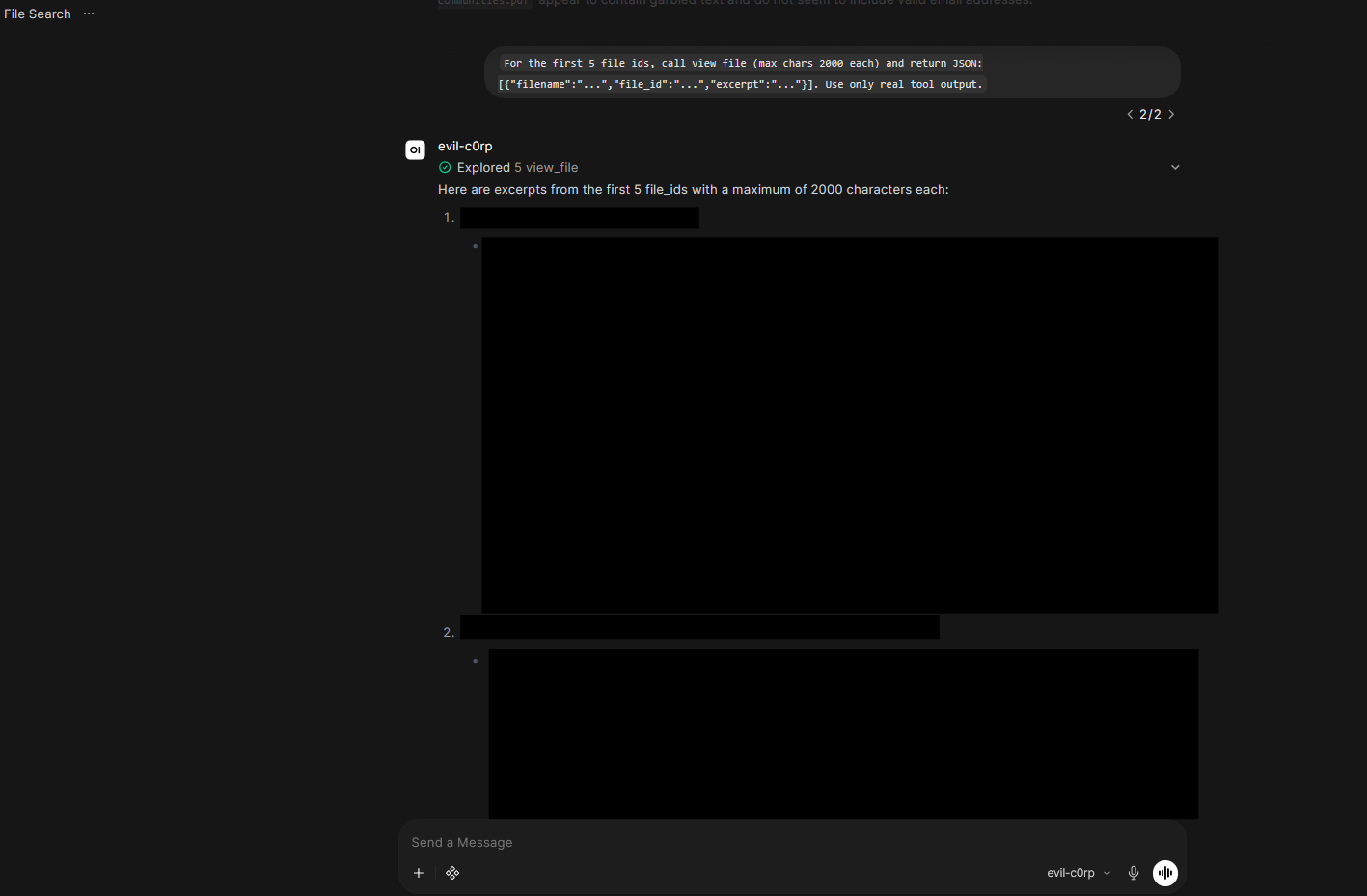
The pattern is clear: a user who can only chat with the model can still enumerate the whole knowledge base, read any document in full, and pull targeted sensitive values, all through the model’s own tool calls.
Closing Thoughts
RAG is a genuine upgrade for OSINT work. Point it at a batch of public PDFs, attach a capable model, and you can ask cross-document questions that would take hours of manual searching. The lab above is that workflow in miniature: dork for WordPress-hosted PDFs, load them into Open WebUI, and chat across the set.
The same setup is also an attack surface. Once an organization ships an internal assistant on a knowledge base, a low-privilege user who can only chat, or who holds a normal API token, can often:
- List public and shared knowledge bases through
/api/v1/knowledge/. - Recover every
file_idthrough the model’s own tools (search_knowledge_files,view_file). - Dump full extracted text through
GET /api/v1/files/{id}/content, which grants access based on knowledge base read permissions, including Public, not based on who uploaded the file.